Exact store output
The screenshot endpoint returns a base64 PNG at the selected store target, including supported iPhone, iPad, Play phone, tablet, and feature-graphic specifications.
Storeboard API and MCP server
Use the REST API from a script or CI job, or connect the Storeboard MCP server to an AI agent. Both interfaces use the same generation pipeline, exact store sizes, real UI compositing, headline QA, credits, and account limits as the web app.
Low-quality drafts use no credits. Sign up free to try the workflow.
Storeboard
API and MCP
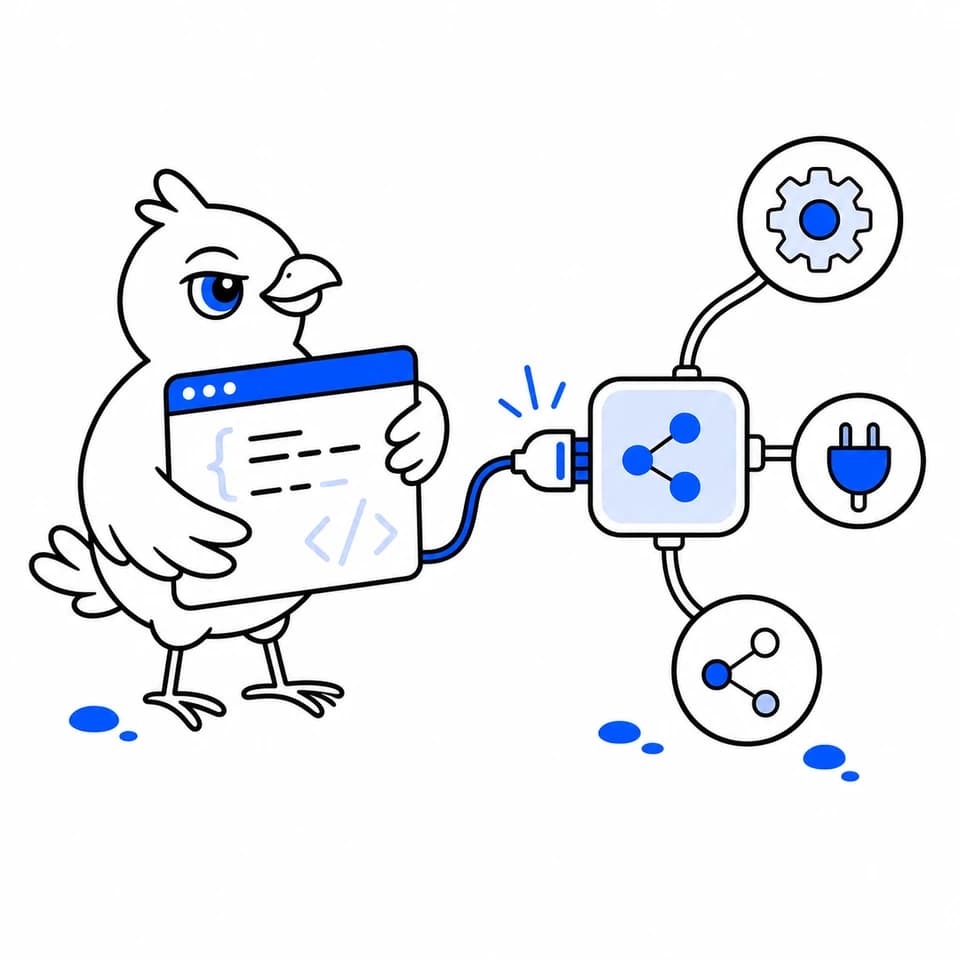
Two automation interfaces
How it works
Create a key in the Storeboard dashboard and send it as a Bearer token. Keys are shown once, inherit your account permissions, and can be revoked anytime.
Start from a website URL, description, or reference image. Reuse the returned style brief to generate exact-size screenshots, a Play feature graphic, and coordinated listing copy.
Use JSON endpoints from your own service, or give an MCP-compatible client tools for specs, credits, app analysis, screenshot generation, and listing copy.
One production pipeline
The public API and MCP tools call the same internal generation functions as the Storeboard interface. That keeps dimensions, credit charging, refunds, usage limits, and final-image QA consistent across every entry point.
The screenshot endpoint returns a base64 PNG at the selected store target, including supported iPhone, iPad, Play phone, tablet, and feature-graphic specifications.
Send an appScreen image and Storeboard places the real interface into a deterministic device frame instead of asking the image model to repaint it.
Connected agents can list specs, check credits, analyze an app, generate a screenshot or feature graphic, and write store listing copy.
Low-quality drafts remain free. Final images and listing copy use the same credits, rate limits, failure refunds, and account balance as the web app.
Frequently asked questions
The REST API is designed for scripts, services, and CI workflows that send JSON requests. The MCP server exposes the same core capabilities as tools that an MCP-compatible AI client can call.
The current API can analyze an app, list supported asset specifications, generate screenshots and Play feature graphics, write App Store and Google Play listing copy, and report account credits and limits.
The MCP server provides list_specs, get_credits, analyze_app, generate_screenshot, and generate_listing over streamable HTTP.
Yes. Pass a real app screen to screenshot generation and Storeboard composites it into the final marketing image after the AI creates the background and headline treatment.
Keep building
Generate cohesive App Store and Google Play screenshot sets at the exact sizes each store expects.
Explore featureWrite App Store and Google Play listing copy with hard character limits and competitor-informed keyword suggestions.
Explore featureKeep shared projects, pooled monthly credits, team invites, and read-only client previews in one studio.
Explore featureStart with a free draft
Create a key, draft on your free credits, and generate the rest of the listing from code or an agent.
Read the API and MCP docs