Exact output dimensions
Outputs include 1290 × 2796 for iPhone 6.9-inch, 2048 × 2732 for iPad 13-inch, and the supported Play phone and tablet targets.
App Store screenshot generator
Start with a screenshot, a website, or a plain description. Storeboard builds one visual direction across the set, places your real app screens into device frames when you provide them, and delivers exact store-ready PNGs.
Low-quality drafts use no credits. Sign up free to try the workflow.
Storeboard
App Store screenshots
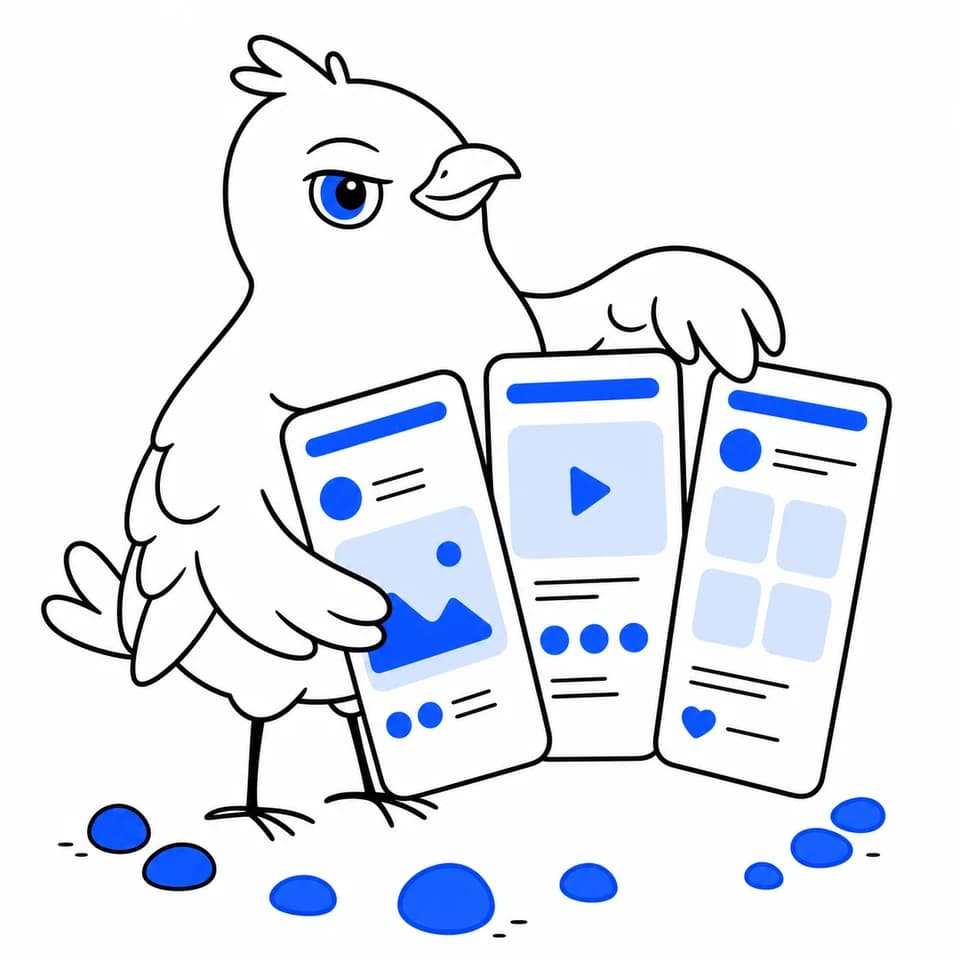
A complete phone-first set
How it works
Add a reference screenshot, website URL, app description, or any combination. Real app screens are optional, but they can be used in the finished compositions.
Review the proposed style, headlines, and screen choices before rendering. Compare two directions as drafts if you want a clear winner first.
Choose phone or tablet slots for Apple and Play, then download the finished files in standard folders or a Fastlane-ready structure.
Built for store submission
Store targets and image-model constraints do not line up neatly. Storeboard renders at a valid generation size, then resizes and crops to the store's exact target before delivery.
Outputs include 1290 × 2796 for iPhone 6.9-inch, 2048 × 2732 for iPad 13-inch, and the supported Play phone and tablet targets.
When you provide an app screen, the image model creates the background and headline. Storeboard composites your screen into a deterministic device bezel afterward.
Medium and high quality images are read back by a vision check. A failed headline gets one corrective render before the result is returned.
Low-quality drafts use no credits, so you can compare ideas before rendering the final set at medium or high quality.
Frequently asked questions
Storeboard supports iPhone 6.9-inch, iPad 13-inch, Play phone, Play 7-inch tablet, and Play 10-inch tablet screenshot slots. Each download is resized to the exact target defined for that slot.
Not when you provide a real app screen. In that mode, Storeboard generates the marketing background and headline, then composites your actual screenshot into a device frame.
Yes. You can render two art directions as low-quality drafts, compare them side by side, and choose one to regenerate at final quality.
Yes. Give Storeboard one instruction, such as changing the background warmth, and it will edit that image while keeping the existing composition and headline in place.
Yes. Storeboard can create a coordinated store screenshot set from a website, description, reference image, or real app screen. When you provide real UI, it stays intact while AI creates the surrounding marketing design.
Yes. Storeboard generates Play phone, 7-inch tablet, and 10-inch tablet screenshots at the exact supported export sizes, alongside Apple screenshots when you need both stores.
Keep building
Create the wide 1024 × 500 graphic Google Play needs, using the same brand direction as your screenshot set.
Explore featureAdapt screenshot headlines and listing copy into ten supported locales, then render organized assets for each one.
Explore featureWrite App Store and Google Play listing copy with hard character limits and competitor-informed keyword suggestions.
Explore featureFrom the blog
Start with a free draft
Draft the direction for free, then spend credits only on the finished images you choose.
Create my screenshot set